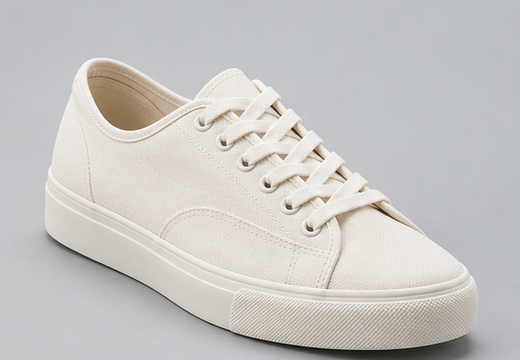
 A001 · Canvas sneakersphotos / client / SKU / original.png
Free & open source · Runs on your computerYour Airtable photos.
Your Airtable photos.
Ready to hand over.
Download the originals, sort them into folders by SKU or customer, and get an Excel catalog with picture previews. All in one ZIP.
Requires Node.js 22+. Current tool interface: Simplified Chinese.
No PhotoPort accountNo cloud-storage setupNo payment
Example export · Synthetic product images
A001 · Canvas sneakersphotos / client / SKU / original.png A002 · Headphonesphotos / client / SKU / original.png
 A003 · Skincarephotos / client / SKU / original.png
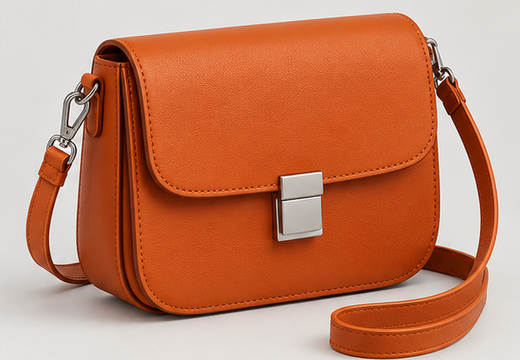 A004 · Shoulder bagphotos / client / SKU / original.png
Excel catalog + original filesZIP ready
Original filenames preserved
Group by record, SKU, customer, or customer → SKU. Same-name files receive a suffix instead of overwriting each other.
Get original files, a picture catalog, an offline gallery, and CSV/JSON manifests showing which record each file belongs to.
Keep successful files, inspect the missing-file list, and retry failed downloads. Saved jobs can resume after reconnecting.
A few minutes to install.
Then use it on your own computer.
Start with the included product example. No Airtable account is needed until you want to export your own records.
- Install Node.js 22 or newer.
- Download and extract the source ZIP. Open a terminal in that folder.
- Run the two commands, then open http://127.0.0.1:4180/app.
Windows: after installing Node, you can double-click start-photoport.cmd in the extracted folder.
Read the installation guide ↗npm ci
npm startCurrent limits: 20 MiB per file · 10 GiB per batch · 15,000 attachments. Allow at least 3× the source size in free disk space. This release is for a trusted local computer; do not host it publicly.
Hosted edition · Not available yetPrefer to skip
Prefer to skip
the installation?
Tell us what you need. We are exploring a version you can use directly in your browser. Signing up does not create an account, start a subscription or charge you.
We may contact you about PhotoPort availability and feedback. No launch date is promised. The local edition remains free under the MIT license.
Before you start
Do I need R2, a database or a paid account?
No. The local edition runs on your computer. You need Node.js and enough disk space. Airtable’s own access and API limits still apply.
How do I connect my Airtable data?
Import a fresh CSV that includes official attachment download URLs. Or use a read-only personal access token limited to your chosen base. The local edition does not have hosted one-click OAuth login.
Does it change my Airtable records?
No. The export flow reads the selected data. It is not a full base backup or a two-way synchronization service.
What happens when an attachment link expires?
Import a fresh CSV of the same view with the same row and column order, then retry. Read-only API connections can refresh attachment URLs. Deleted files and removed access still need your attention.
Are my photos uploaded to PhotoPort?
No. The local tool does not send your photos or records to the maintainer. It downloads from Airtable to your computer. Saved job data remains in .runtime until you remove it.
Is the hosted version ready?
Not yet. This page offers the free local edition and an optional interest list. We are not accepting payments or promising a launch date.